M3U playlists and XMLTV guides explained: how IPTV apps build a channel list
What M3U playlists contain, what tags like tvg-id and group-title do, how XMLTV guides are built and how apps match the two into a working guide.
In this article
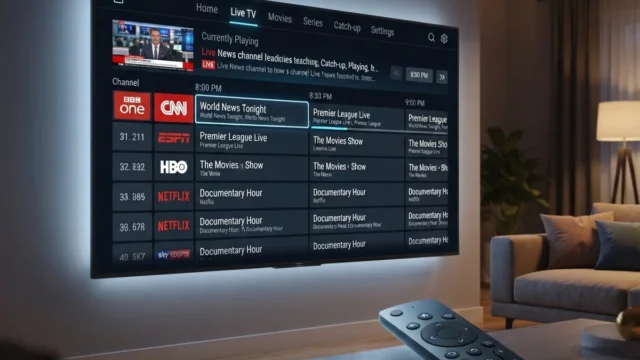
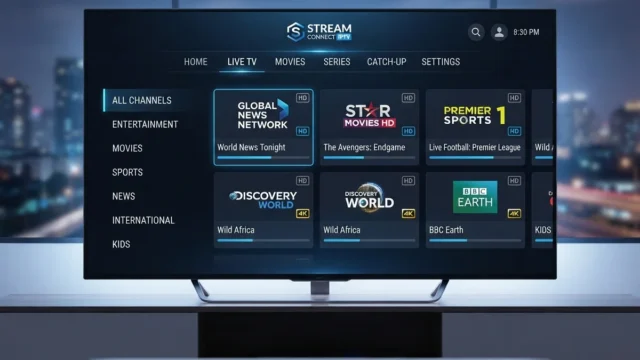
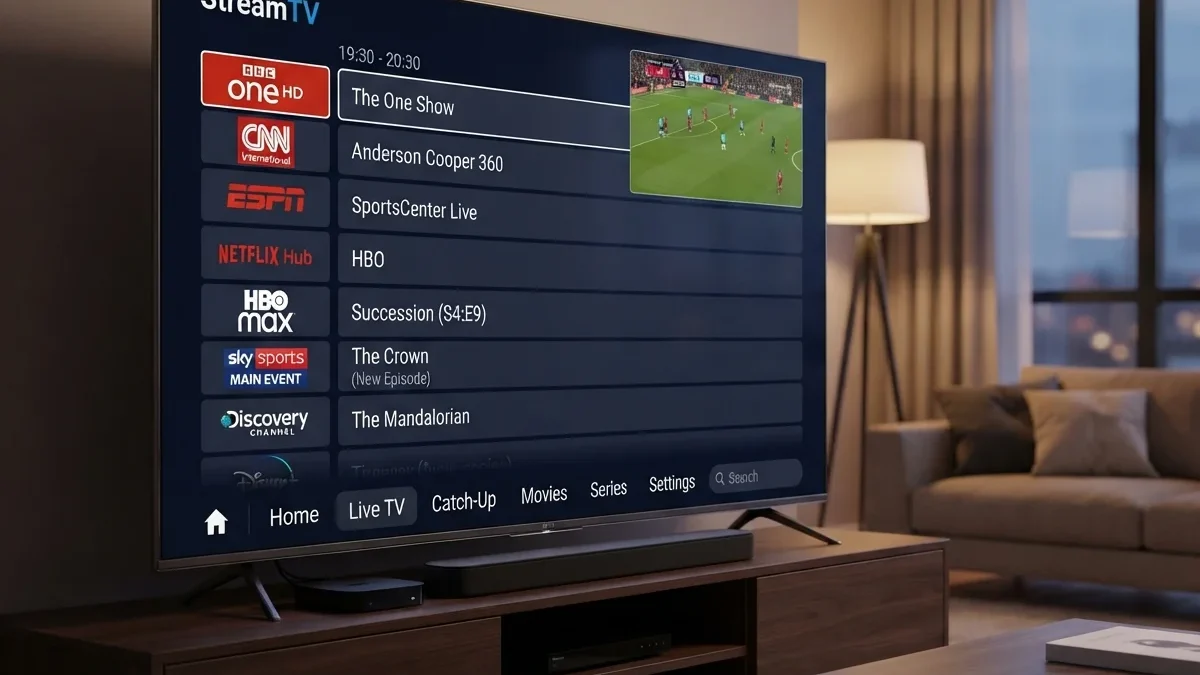
Open almost any IPTV player app and it will ask for two things: a playlist (usually an M3U link or file) and an EPG or guide URL (usually XMLTV). Together they produce the familiar channel list with "now and next" information. Knowing how M3U playlists and guide files work makes setup easier and solves most "guide not showing" problems.
Neither format contains any video or grants any rights. They are just lists. Whether using one is legal depends entirely on where the streams come from. See how to tell legitimate IPTV services apart.
What M3U playlists are
M3U began as a simple playlist format for audio players: a text file with one media location per line. M3U8 is the same format encoded as UTF-8. HLS later adopted M3U8 for its manifests (RFC 8216), which is why the extension shows up everywhere in streaming.
IPTV apps use an "extended" M3U with extra information about each channel:
#EXTM3U x-tvg-url="https://guide.example.org/epg.xml"
#EXTINF:-1 tvg-id="news.one" tvg-logo="https://guide.example.org/logos/news1.png" group-title="News",News One
https://stream.example.org/news1/index.m3u8
#EXTINF:-1 tvg-id="docs.two" group-title="Documentary",Documentary Two
https://stream.example.org/docs2/index.m3u8
(The example.org addresses are reserved documentation domains used for illustration.)
The common tags
| Tag | Purpose |
|---|---|
#EXTM3U |
Marks the file as an extended M3U. Some apps read a guide URL from attributes such as x-tvg-url or url-tvg here |
#EXTINF:-1 |
Starts a channel entry. -1 means unknown or unlimited duration, typical for live streams |
tvg-id |
The ID used to match this channel to guide data. This is the most important attribute for EPG |
tvg-name |
Alternative name used for matching in some apps |
tvg-logo |
URL of a channel logo |
group-title |
Category used to group channels in the app |
| Text after the comma | The display name |
| Next line | The stream URL |
These attributes are conventions, not a formal standard. Different apps support different subsets, which explains many small differences in how the same playlist displays.
Other attributes you might see
Some apps recognize further attributes. Support varies, so treat these as optional:
tvg-chno: a channel number, used to order channelstvg-shift: a time shift in hours for that channel's guide datacatchupand related attributes: information for catch-up or timeshift playback, where the source supports it#EXTGRP: an alternative way to set a group in some players
If an attribute has no effect, your app probably doesn't support it. Check the app's documentation rather than adding more attributes.
Local files vs URLs
A playlist can be a local file on your device or a URL that the app downloads. URLs let a provider update the channel list without your involvement. Local files never change unless you edit them. Many apps support both, and some can refresh URL playlists on a schedule.
What an XMLTV guide is
XMLTV is a long-established XML format for TV listings, documented by the XMLTV project. A guide file lists channels, then programs:
<tv>
  <channel id="news.one">
    <display-name>News One</display-name>
  </channel>
  <programme start="20261002180000 +0000" stop="20261002190000 +0000" channel="news.one">
    <title>Evening Bulletin</title>
    <desc>National and international news.</desc>
  </programme>
</tv>
Key details:
- Each
<channel id>must be unique. - Each
<programme>refers to a channel by that ID. - Times use the format
YYYYMMDDhhmmssfollowed by a time-zone offset. A wrong or missing offset is the classic cause of a guide that's shifted by an hour or more. - Guide files are often compressed (
.xml.gz) because they can be large.
Inside a programme entry
Programme entries can contain far more than a title:
<sub-title>: the episode title<episode-num>: season and episode information, in several possible numbering systems<category>: genre, used by some apps for colour-coding<icon>: an image for the programme<rating>: content ratings, which can support parental controls<previously-shown>and<new/>: used by DVR software to record only new episodes
Richer guide data makes a real difference to recording. Series rules can only skip repeats if the guide marks episodes reliably. See DVR options for live TV.
How apps match playlist and guide
The app connects the two files with an ID:
M3U
tvg-id="news.one"→ XMLTV<channel id="news.one">
If the IDs match, the guide appears. If they don't, because of a typo, different capitalization or a different ID scheme, the channel plays but shows "No information." Some apps fall back to matching by tvg-name or display name, which is less reliable.
Editing a playlist safely
If you maintain your own playlist, for example for streams from your own network tuner or home server:
- Keep a backup before editing.
- Use a plain-text editor, not a word processor, and save as UTF-8 so channel names with accents display correctly.
- Keep the
#EXTINFline directly above its URL. A blank line or stray text between them breaks the entry in some apps. - Test in a simple player such as VLC before loading it into a full IPTV app.
Security and privacy
Playlist and guide URLs from legitimate providers often include an account token. Anyone with the URL may be able to use your account. Don't share them in forums or screenshots, and if you suspect a URL has leaked, ask the provider to reset it.
Be cautious about playlists shared publicly online. Apart from the rights question, untrusted playlists can point to streams on servers you know nothing about.
Practical tips
- Use the guide URL your provider supplies rather than mixing a playlist and guide from different sources. Mismatched ID schemes are the most common problem.
- Check time-zone settings in the app if programs appear at the wrong times. Many apps have an EPG time-offset option.
- Refresh schedules sensibly. Guide files change daily. Most apps refresh automatically, and a manual refresh fixes many stale-guide problems.
- Keep playlists private. Playlist URLs from legitimate providers often contain account tokens. Treat them like passwords.
If your guide still won't load, follow our step-by-step guide to fixing an EPG that isn't loading.
Common mistakes in playlists and guides
| Mistake | Effect | Fix |
|---|---|---|
Missing #EXTM3U on the first line |
Some apps reject the file | Add it as the very first line |
| Text editor saves in a non-UTF-8 encoding | Accented characters display incorrectly | Save as UTF-8 |
| Windows line endings in some players | Rare parsing errors | Save with standard line endings if problems occur |
Duplicate tvg-id values |
Wrong guide shown on some channels | Make IDs unique |
| Guide times without offsets | Programmes shown at wrong times | Ensure each time includes an offset |
| Very large guide for a small playlist | Slow loading on TV devices | Use a guide containing only your channels |
How apps store and refresh the data
Most IPTV apps don't read the playlist and guide every time you open them. They download the files, parse them and store the results in a local database. That makes the guide fast to browse, but it also means:
- Changes don't appear instantly. If a provider updates a playlist, your app may not notice until its next refresh.
- Old data can linger. A stale local copy can survive a guide URL change until the cache is cleared.
- Storage use grows. Large guides with images can use a surprising amount of space on low-end devices.
If something looks out of date, a manual refresh, followed if necessary by clearing the app's cache, usually brings it back in line. Our EPG troubleshooting guide walks through the steps.
Where these formats are used beyond IPTV apps
M3U and XMLTV are older and more widespread than many people realize:
- Music players use M3U for ordinary playlists
- Media servers import M3U and XMLTV for live TV features. See Jellyfin vs Plex vs Emby
- Network tuners can publish channel lists in playlist formats
- DVR software relies on XMLTV-style guide data for scheduling
Their simplicity, plain text that any program can read, is the main reason they have lasted so long.
Questions people ask
Can I open an M3U file to see what's inside?
Yes. It's plain text. Open it in any text editor to see channel names, attributes and URLs. That's often the fastest way to check whether a guide ID is spelled correctly.
Is an M3U8 file always an IPTV playlist?
No. M3U8 is also the format HLS uses for its manifests. An .m3u8 link might be a channel list or a single video stream's manifest.
Why do some apps ignore my group titles or logos?
Attribute support varies between apps. If an attribute does nothing, the app doesn't support it.
Can one guide file serve several playlists?
Yes, as long as the channel IDs match. Guides from the same provider as the playlist are the most reliable choice.
Key takeaways
- M3U playlists are plain text lists of channels and stream URLs with optional attributes.
- XMLTV guides list channels and programmes with precise times and offsets.
- Apps join the two using
tvg-idand<channel id>, which must match exactly. - Keep playlist and guide URLs private, as they often contain account tokens.
Summary
- M3U playlists list channels and their stream URLs, with extra attributes for logos, groups and guide matching.
- XMLTV guides list channels and programme schedules with times and time-zone offsets.
- Apps match the two by ID, usually
tvg-idto<channel id>. Mismatches and wrong offsets cause most guide problems. - Both are plain text, easy to inspect, and say nothing about whether the content is licensed. That depends entirely on the source.