FAST channels explained: how free ad-supported streaming TV works
What FAST channels are, how they are built and paid for, where to find them legally, and how free ad-supported streaming TV differs from AVOD.
In this article
- How FAST works
- Inside a FAST channel
- FAST vs AVOD vs SVOD
- How to find FAST channels on your devices
- Where FAST channels come from
- Why FAST keeps growing
- FAST and news viewing
- Limitations
- Accessibility on FAST
- FAST in one paragraph
- Questions people ask
- Tips for a better FAST experience
- Is FAST worth it?
- Key takeaways
- How to tell legitimate free TV from piracy
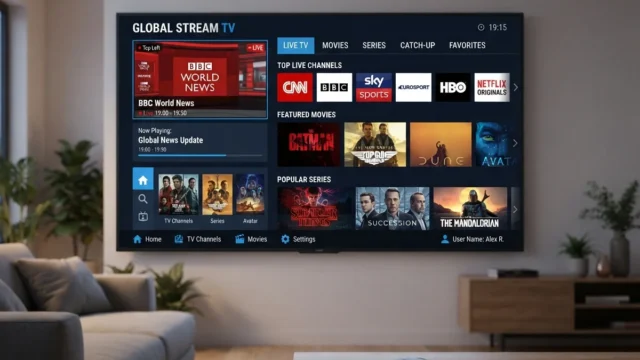
FAST stands for free ad-supported streaming television: scheduled channels delivered over the internet, free to watch and paid for by advertising. If you've scrolled through a grid of channels in Pluto TV, Samsung TV Plus or The Roku Channel, you've used FAST. FAST channels are essentially legal, free IPTV.
How FAST works
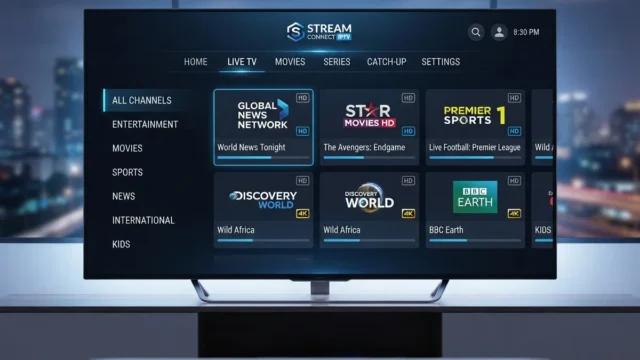
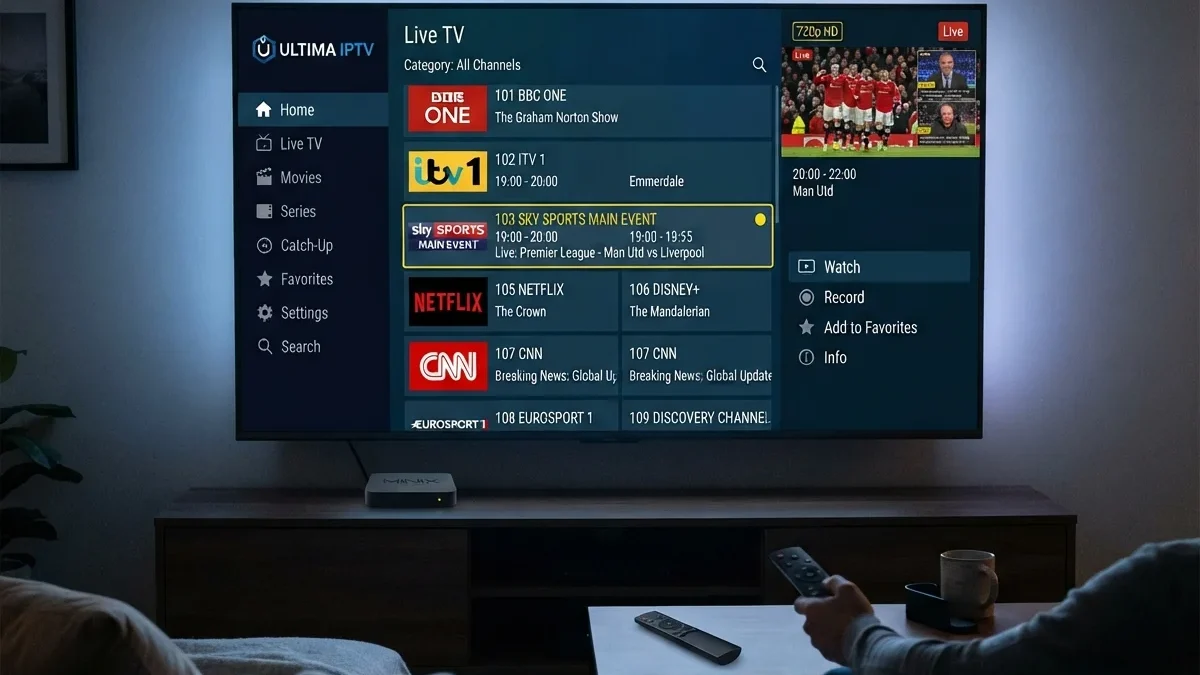
A FAST channel looks like traditional TV: a schedule, a guide and programs that play whether or not you're watching. Behind the scenes:
- Programming usually comes from existing libraries: classic series, films, news, sports highlights or a single show running back to back.
- A playout system assembles programs into a schedule and marks ad breaks.
- Server-side ad insertion (SSAI) stitches ads into the stream for each viewer, often targeted by region or device. Because ads are stitched in before playback, they look like part of the stream.
- Distribution happens through FAST platforms, smart TV operating systems and apps, usually as HLS or DASH streams.
Inside a FAST channel
Most FAST channels are built around one idea: a single show, a genre or a brand that viewers can drop into at any moment. Common formats include:
- Single-series channels that run one long-running series back to back, such as a classic sitcom or a reality franchise
- Genre channels for crime, westerns, cooking, home renovation, nature or sci-fi
- News channels, including streaming feeds from established broadcasters and digital-first news brands
- Sports-adjacent channels with highlights, analysis, classic matches and niche sports
- Kids' channels built from animation libraries
- Music and ambient channels, including concert footage, music videos and scenic "slow TV"
These formats suit how people often watch FAST: as background viewing or casual browsing rather than planned sessions.
How a channel gets on a platform
A content owner typically licenses or supplies a channel to one or more FAST platforms. The platform carries it in its guide, and the two share advertising revenue under their agreement. Some channels are created by the platforms themselves from content they license. Others are run by independent channel operators that package libraries from several rights holders.
Why ads are stitched in
Traditional TV inserts ads at the broadcaster for everyone watching. FAST platforms usually use server-side ad insertion (SSAI): the platform's servers place ads into each viewer's stream individually. That allows different viewers to see different ads, regional or targeted, while the stream looks continuous. It also makes ads much harder to block than in a web browser.
FAST vs AVOD vs SVOD
| Model | What you get | How it's paid for |
|---|---|---|
| FAST | Scheduled linear channels | Ads |
| AVOD | On-demand titles you choose | Ads |
| SVOD | On-demand library | Subscription |
| Hybrid tiers | Subscription with ads | Lower subscription plus ads |
Many platforms mix these. A single app might offer FAST channels, free on-demand titles and paid add-ons. Our explainer on ad-supported tiers covers the subscription-with-ads model.
How to find FAST channels on your devices
FAST channels are often already on your TV, sometimes without your noticing:
- On smart TVs, look for the manufacturer's free channel app or a "live" or "free channels" section on the home screen. Many TVs place these channels in the same guide as antenna channels.
- On streaming devices, look for the platform's own free channel service, plus standalone FAST apps in the app store.
- On phones and computers, most FAST services also run in a browser or a mobile app.
Because line-ups vary widely by country and change often, the most reliable approach is to open the free channel guide on your device and favourite the channels you like. Most guides let you hide channels you never watch, which makes browsing far easier.
Combining FAST with antenna TV
Some smart TVs and network tuner apps merge FAST channels with over-the-air channels into a single guide. For households that have dropped pay TV, an antenna for local channels plus FAST for everything else can feel very close to a traditional TV lineup. See how to watch free over-the-air TV.
Where FAST channels come from
FAST is offered by several types of company:
- Standalone FAST services, such as Pluto TV, Tubi and Plex's free channels
- TV manufacturers, through their platforms: Samsung TV Plus, LG Channels and others
- Streaming device platforms, such as The Roku Channel and Google TV's free channels
- New entrants, such as JustWatch, which announced its own service combining free and paid viewing
Availability and channel line-ups vary a lot by country.
Why FAST keeps growing
- Viewers want free options as subscription prices rise. See why streaming prices keep rising.
- Content owners earn money from back catalogs that would otherwise sit unused.
- TV makers profit from built-in channels by sharing ad revenue.
- Struggling subscription services can switch models. Parks Associates noted that RidePass became solely a FAST channel when its standalone service was phased out.
FAST and news viewing
News has become an important part of FAST. Established broadcasters and news organizations offer streaming news channels, often with a mix of live coverage and repeated segments. For viewers, that brings free access to news without a pay-TV subscription. The caveat is that a channel on a FAST platform isn't automatically the same as the broadcaster's main TV channel. Some are separate streaming services with their own schedules. Check the channel's description to see what you're actually watching.
Limitations
- Ads. Ad load varies by channel and platform.
- Mostly library content. Few new premium releases or major live sports rights.
- Data collection. Ad-supported platforms typically use viewing data to target ads. Review your TV's privacy settings. See smart TV platforms compared.
- Discovery. Hundreds of channels can be hard to browse. Most apps let you favorite channels.
Accessibility on FAST
Accessibility features vary between platforms and channels. Before relying on a FAST service, check:
- Closed captions, and whether they are available on the channels you watch most
- Audio description, which is less common on FAST than on major subscription services
- Guide readability, including text size and screen reader support on your device
If captions are missing on a channel, it may be the channel's source material rather than the platform. Platforms usually provide a way to report accessibility problems.
FAST in one paragraph
FAST is the closest thing streaming has to traditional free TV: scheduled channels, paid for by ads, available on most smart TVs and streaming devices. It is best for casual and background viewing, news and classic series. It complements, rather than replaces, subscription services and over-the-air broadcasts.
Questions people ask
Do I need an account to watch FAST channels?
Often not. Many FAST services work without signing in, though some require an account for features such as favourites, watchlists or certain content.
Can I record FAST channels?
Usually not. FAST channels are designed for live viewing, and many platforms offer the same programmes on demand in their free catalogues instead.
Why does the same channel appear on several platforms?
Channel owners often distribute a channel to several FAST platforms to reach more viewers. Programming may be similar across platforms, but ads and sometimes schedules differ.
Is the picture quality as good as paid services?
It varies. Many FAST channels stream in HD, but bitrates and encoding are often more modest than on premium subscription services. For library sitcoms and news, the difference rarely matters.
Do FAST services work outside my country?
FAST line-ups are licensed by territory. Travelling abroad usually means seeing that country's line-up, or nothing if the service isn't available there.
Tips for a better FAST experience
- Favourite a handful of channels and hide the rest. The guide becomes far more usable.
- Use your TV's combined guide if it merges FAST with antenna channels.
- Check captions on channels you watch most.
- Review ad privacy settings on your TV and in the FAST app.
- Combine with an antenna for local news and live sport. See our over-the-air guide.
- Try more than one service. Line-ups differ more than you'd expect.
Is FAST worth it?
For many households, yes, as a complement rather than a replacement. FAST shines for news, classic series, background viewing and channel-surfing, at no cost. It's weaker for new releases, major live sport and ad-free viewing, which still require paid services or broadcast TV. A practical setup for budget-conscious viewers combines an antenna for local channels, FAST for variety, and one rotating subscription for the series or sport they care about most.
Key takeaways
- FAST channels are free, scheduled streaming channels paid for by advertising.
- They are built into many smart TVs and streaming devices, and available as standalone apps.
- Ads are stitched into streams by the platform, so they are hard to block.
- FAST is best for news, classic series and casual viewing, and complements paid services.
- Legitimate FAST services are run by identifiable companies and found in official app stores.
How to tell legitimate free TV from piracy
Legitimate FAST services are run by identifiable companies, are found in official app stores and show ads. Free doesn't mean illegal. What should make you suspicious is a service offering premium pay-TV channels and new films for free with no clear owner. See how to tell legitimate IPTV services apart.