What is IPTV? How internet protocol television actually works
What is IPTV? How live TV is encoded, packaged and delivered over IP networks, how it differs from streaming, and what legitimate IPTV looks like.
In this article
- What is IPTV made of? The basic pipeline
- A worked example: what happens when you change channel
- What makes IPTV different from "streaming"?
- What you need at home
- Common IPTV features
- A brief history
- Advantages and limitations
- What legitimate IPTV looks like
- IPTV beyond the living room
- Common misunderstandings
- Questions people ask
- Where to go next
- Key takeaways
- Key terms at a glance
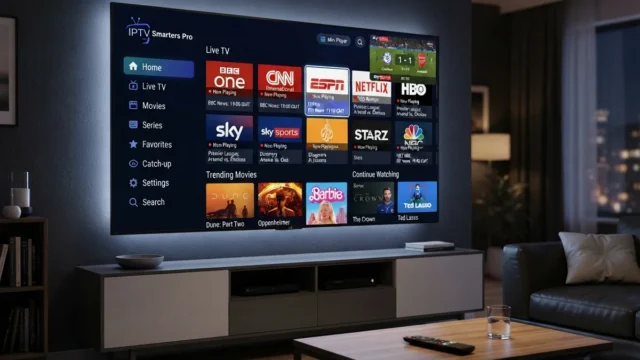
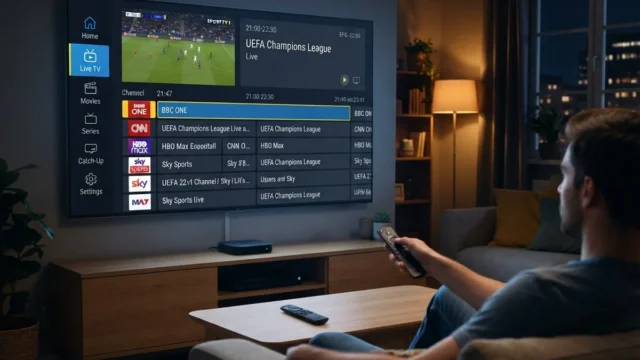
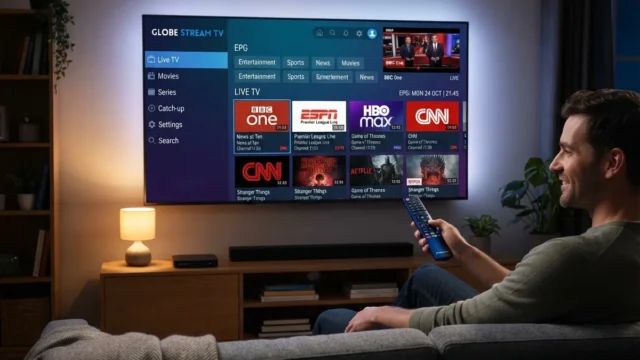
So, what is IPTV? IPTV stands for Internet Protocol Television: delivering television over networks that use the Internet Protocol (IP), the same family of protocols that carries web pages and email. Rather than arriving as radio waves from a transmitter or satellite, or as signals on a traditional cable TV system, the video is broken into packets and sent over an IP network to a set-top box, smart TV, phone or computer.
The term is often used loosely. Telecom operators use "IPTV" for their managed TV services. App makers use it for players that open channel playlists. And it is widely, and unfairly, used as shorthand for unauthorized "IPTV subscriptions." This explainer covers the technology itself.
What is IPTV made of? The basic pipeline
Whoever runs it, an IPTV service has the same five stages.
1. Acquisition
The service first has to receive the channels it is licensed to carry. Broadcasters typically deliver feeds by satellite, fiber or dedicated IP links. A legitimate operator has agreements with the channel owners covering exactly this step.
2. Encoding and transcoding
Raw or high-bitrate feeds are compressed with a video codec, most commonly H.264 or HEVC, sometimes AV1. Services usually encode each channel at several quality levels so viewers with slower connections still get a watchable picture. Our explainer on video codecs covers the differences.
3. Packaging and protection
The encoded video is packaged in a format the player understands. On managed networks, that is often an MPEG transport stream delivered by multicast. Over the open internet, it is usually segmented formats such as HLS or MPEG-DASH (see HLS vs MPEG-DASH). Paid content is normally encrypted with DRM so only authorized devices can decode it (DRM explained).
4. Delivery
There are two broad delivery models:
- Managed-network IPTV. A broadband operator delivers TV over its own network, often using multicast so one stream of a channel serves many homes at once. Quality is controlled end to end.
- Internet (OTT) delivery. Video travels over the public internet, usually through content delivery networks (CDNs). The operator does not control the last mile into the home.
5. Middleware and the player
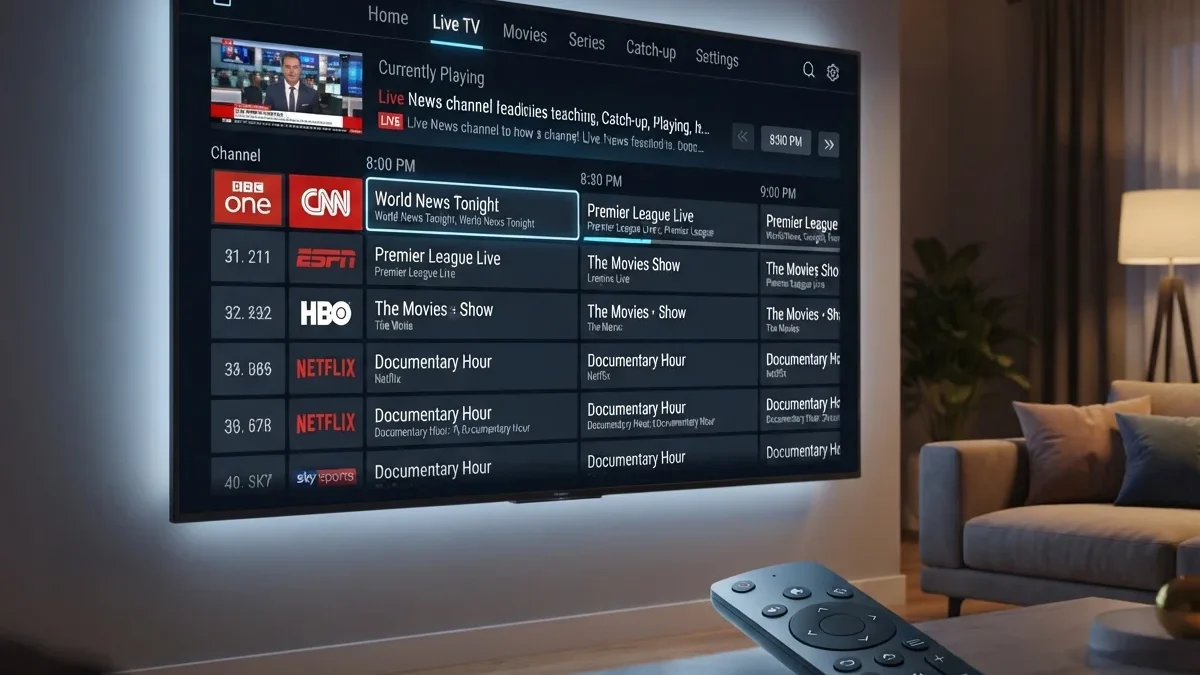
Middleware handles everything around the video: sign-in, the channel list, the electronic program guide (EPG), recordings, parental controls and billing. The player on the device fetches the stream, decrypts it if it is protected, decodes it and displays it.
A worked example: what happens when you change channel
Here's what typically happens, in simplified form, when you press "channel up" on two different kinds of IPTV:
On an operator's managed IPTV box:
- The box asks the network to leave the current channel's multicast group and join the next one.
- To start the picture quickly, a nearby server may send a brief unicast burst beginning at a keyframe.
- The box switches to the multicast stream and continues playing.
- The whole process is designed to take about a second or less.
On an internet streaming app:
- The app requests the new channel's manifest from the service.
- It checks your entitlement and, if the channel is protected, requests a DRM license.
- It downloads the first segments, usually at a conservative quality.
- Playback starts, and quality rises as the player confirms your connection.
The second process involves more steps over the open internet, which is why app-based channel changes are often slower. Our explainers on multicast vs unicast and HLS vs MPEG-DASH go deeper.
What makes IPTV different from "streaming"?
Technically, all streaming video over the internet uses IP. In practice, people use "IPTV" for live, linear channels delivered in a TV-like experience with a channel list and guide. "Streaming" or "OTT" usually means on-demand libraries such as Netflix. The lines blur because many streaming services now include live channels too. We compare the models in IPTV vs OTT vs cable vs satellite.
What you need at home
To watch IPTV, you generally need:
- An internet or broadband connection with enough steady capacity. See how much speed you need
- A device: an operator set-top box, a smart TV app, a streaming stick, a phone or a computer
- An account with a legitimate provider
- A good home network, ideally wired for the main TV. See Wi-Fi vs Ethernet
For operator IPTV, the provider usually supplies the box and configures the router. For app-based services, you choose the device and install the app.
Common IPTV features
- Live channels with an on-screen guide
- Catch-up or replay TV: watching programs that aired earlier
- Start-over: restarting a program already in progress
- Cloud DVR: recordings stored by the provider instead of on a home device
- Video on demand alongside live channels
- Multiscreen: watching on phones and tablets as well as the TV
A brief history
IPTV developed alongside broadband. In the early 2000s, telecom operators in several countries began offering TV over their DSL networks to compete with cable and satellite. Standards bodies such as the ITU worked on IPTV specifications to make systems interoperable. As broadband speeds increased and smartphones and smart TVs spread, delivery over the open internet grew rapidly. That made live TV apps and streaming services the most visible form of IP-delivered television. Today, even broadcasting is moving to IP, as next-generation standards such as ATSC 3.0 show. See broadcast meets IP.
Advantages and limitations
| Advantages | Limitations |
|---|---|
| Works on many devices, not just the TV | Depends on the quality of your internet connection |
| Interactive features: catch-up, start-over, cloud DVR | Live streams can lag behind broadcast |
| No dish or antenna needed | Rights restrictions can vary by device and location |
| Easy to add or change packages | Many separate services and apps to manage |
What legitimate IPTV looks like
IPTV technology is legal. Telecom operators, pay-TV companies, broadcasters, hotels, hospitals and universities use it. What makes a particular service legal or illegal is whether it has the rights to the channels it distributes. Legitimate services are identifiable businesses with clear terms, normal payment methods and official apps. We cover the warning signs in how to tell legitimate IPTV services apart.
IPTV beyond the living room
IPTV isn't only for home viewing. The same technology runs many systems people use without thinking of them as TV:
- Hotels distribute channels to rooms over the building's network, often with welcome screens and room-service menus.
- Hospitals provide bedside TV and patient information systems.
- Universities and offices stream internal channels, lectures and announcements.
- Stadiums and venues show replays and feeds on screens throughout the building.
- Trains, ships and aircraft use IP-based entertainment systems.
These are all licensed for their specific settings, usually through agreements with channel owners for commercial or institutional use, which is different from a home subscription.
Common misunderstandings
- "IPTV means illegal TV." No. IPTV is a delivery method used by major operators and broadcasters. Some unlicensed services use the label, but the technology itself is neutral.
- "IPTV needs a special box." Not always. Many services work through apps on smart TVs, phones and streaming devices. Operator services often supply a box.
- "IPTV is always lower quality than cable." Quality depends on the service's encoding and your connection. Many IPTV services match or exceed cable quality.
- "An IPTV app gives you channels." A player app only plays what you give it. Channels come from a provider. See how to choose an IPTV player app.
Questions people ask
Do I need fast internet for IPTV?
You need a stable connection with enough capacity for the streams you watch at the same time. See how much speed you need.
Can I watch IPTV on any TV?
Any TV with an HDMI input can use a streaming device or operator box. Smart TVs can often run IPTV apps directly.
Is IPTV affected by my Wi-Fi?
Yes. A weak home connection is the most common cause of buffering. See how to fix buffering.
Where to go next
This explainer covers the basics. Depending on what you want to know next:
- How streams are packaged and adapt to your connection: HLS vs MPEG-DASH
- Why some IPTV scales differently: multicast vs unicast
- How content is protected: DRM explained
- How playlists and guides work in apps: M3U and XMLTV explained
- Setting up a service on your TV: how to set up IPTV on a smart TV
- Choosing a legitimate service: is IPTV legal?
Key takeaways
- IPTV means delivering television over IP networks, either managed operator networks or the open internet.
- Every service follows the same pipeline: acquisition, encoding, packaging and protection, delivery, then middleware and the player.
- Managed IPTV often uses multicast; internet services use HLS or DASH over CDNs.
- The technology is legal. What makes a service legitimate is whether it has the rights to its channels.
Key terms at a glance
| Term | Meaning |
|---|---|
| Linear TV | Scheduled channels, watched as they air |
| VOD | Video on demand: titles you start whenever you want |
| EPG | Electronic program guide: the on-screen TV schedule |
| Middleware | Software that runs the service: accounts, guide, recordings |
| CDN | Content delivery network: servers that carry video close to viewers |
| DRM | Digital rights management: encryption and licensing that restrict playback to authorized devices |