EPG not loading or showing “No information”? How to fix your TV guide
EPG not loading, showing "No information" or listing the wrong times? Fix guide URLs, channel ID matching, time zones and refresh settings.
In this article
- EPG not loading? Start with how a guide reaches your screen
- Step 1: Is the guide downloading at all?
- Step 2: Are the channels matched?
- Step 3: Are the times wrong?
- Step 4: Is the data stale?
- Step 5: Performance problems
- If you use an official app
- Preventing EPG problems in the future
- Questions people ask
- Guide data and parental controls
- A real-world troubleshooting sequence
- Key takeaways
- Quick diagnosis table
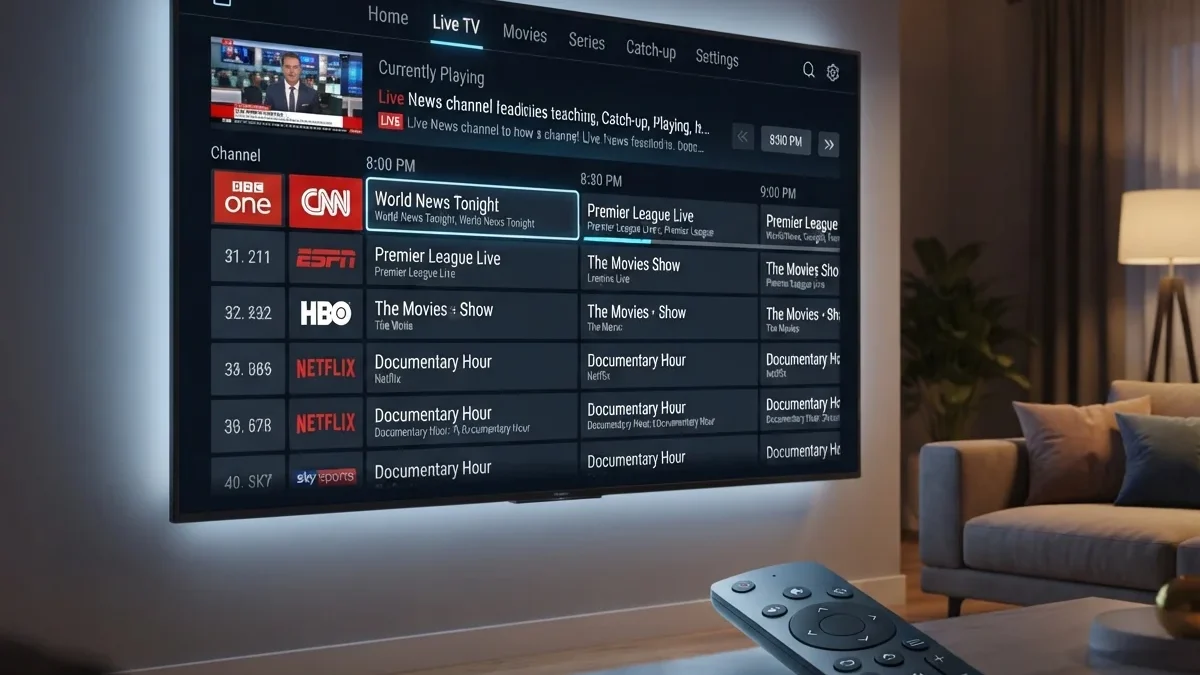
The electronic program guide (EPG) is what turns a list of channels into a usable TV experience. When the EPG is not loading, you might see a blank grid, "No information," or programs listed at the wrong times. Nearly all EPG problems come down to four causes: the guide isn't downloading, channels aren't matched, the time zone is wrong, or the data is out of date.
These steps apply to IPTV player apps that use XMLTV guides. If you use an operator's or streaming service's official app, the guide is managed for you. Restart the app, then contact the provider.
EPG not loading? Start with how a guide reaches your screen
Understanding the path helps you find where it breaks:
- A guide provider publishes listings, often as an XMLTV file at a URL.
- Your app downloads the file on a schedule, typically once a day.
- The app reads it, matches each listing to a channel in your playlist, and stores the result locally.
- The guide screen displays the stored data, adjusted to your device's time zone.
Problems can happen at any step: the file isn't published or reachable (step 1–2), can't be read (step 3), isn't matched (step 3), or is shown at the wrong time (step 4).
Step 1: Is the guide downloading at all?
- Check the guide URL in the app's settings for typos, missing characters or expired account tokens.
- Open the URL in a browser on a computer. If it doesn't download, or shows an error, the problem is the URL or the source.
- Check the format. The app must support the file type. Compressed
.xml.gzguides need an app that can decompress them. - Check file size and timeouts. Large guides can take a while on slow devices. Some apps have a timeout setting.
Common download errors and what they mean
| Error or symptom | Likely meaning |
|---|---|
| "404" or "not found" | The URL is wrong or the file has moved |
| "401/403" or "unauthorized" | The URL needs credentials or the token has expired |
| Download never finishes | The file is very large, the server is slow, or the connection drops |
| "Parse error" or "invalid format" | The file is damaged, incomplete or not XMLTV |
| Guide loads only once, then stops updating | Refresh is disabled or failing silently |
Step 2: Are the channels matched?
If the guide downloads but some channels say "No information," the app can't match those channels to guide entries. Apps usually match the playlist's tvg-id to the guide's <channel id>. See M3U playlists and XMLTV guides explained.
- Compare IDs exactly.
News.One,news.oneandnewsoneare different to many apps. - Use a guide that matches your playlist. Combining a playlist and a guide from different sources is the most common cause of mismatches.
- Use the app's manual mapping, if it has one, to link channels to guide entries. If your app has no such option, see how to choose an IPTV player app for features worth looking for.
A worked example of a mismatch
Suppose your playlist contains:
#EXTINF:-1 tvg-id="NewsOne.us",News One
and the guide contains:
<channel id="newsone.us">
To you they look the same. To many apps they aren't, because the capitalization differs. Changing either ID so they match exactly, or using the app's manual mapping, fixes it. Our explainer on M3U playlists and XMLTV shows the full structure of both files.
Step 3: Are the times wrong?
If programs appear but are shifted by an hour or more:
- Check the device's time zone and clock. Turn on automatic time.
- Check the guide's time offsets. XMLTV times include an offset such as
+0000. If the source uses the wrong offset, use the app's EPG time shift setting to compensate. - Daylight saving changes can cause temporary one-hour errors until the guide or app updates.
A worked example of a time shift
A guide entry might read:
<programme start="20261002200000 +0000" channel="newsone.us">
That means 8pm UTC. If you live in a time zone five hours behind UTC, the app should show it at 3pm local time. If the guide provider labelled local times as +0000 by mistake, every programme will appear five hours off. You can't fix the source, but the app's EPG time offset setting can shift the whole guide back into line.
Step 4: Is the data stale?
If the guide shows yesterday's programs or stops after a certain day:
- Force a guide refresh in the app's settings.
- Check the refresh schedule. Daily refresh is typical.
- Clear the app's EPG cache, or the app cache as a whole, and reload.
- Check how many days the source covers. Some guides only include a day or two.
Step 5: Performance problems
Very large guides can slow down or crash apps on low-power devices:
- Use a guide that includes only your channels, if your provider offers one
- Reduce the number of days loaded, if the app allows it
- Use a more powerful device. See our streaming device buying guide
If you use an official app
The steps above are for player apps where you supply your own guide URL. If you use an operator's or streaming service's own app and the guide is blank:
- Restart the app and the device
- Check the service's status page for outages
- Clear the app's cache or reinstall it. See fixing streaming apps on smart TVs
- Confirm your home location is set correctly, if the service uses it for local listings
If the guide is wrong for a particular channel, report it to the service. Guide data comes from their systems, and they can correct it for everyone.
Preventing EPG problems in the future
- Keep your playlist and guide from the same source wherever possible.
- Note your settings. Write down the guide URL, time offset and refresh interval so you can restore them quickly after a reinstall.
- Back up custom channel mappings if your app supports exporting them.
- Update the app regularly. Guide parsing bugs are often fixed in updates.
- Review after daylight saving changes, when time errors are most likely.
Questions people ask
Why does the guide show "No information" for some channels only?
Almost always a matching problem. The channel exists in your playlist, but the app can't find a guide entry with the same ID. See Step 2.
Why does my guide show only a day or two ahead?
The guide source may only include a short period, or your app may be set to load a limited number of days. Check both.
Why did my guide work yesterday and not today?
Common causes include an expired token in the guide URL, a temporary outage at the guide source, or an app update that reset settings. Open the URL in a browser to check whether the file is reachable.
Can I use a different guide with my playlist?
Technically yes, but IDs must match. Mixing sources usually means manual mapping, which takes time and breaks when either side changes its IDs.
Does the guide affect recordings?
Yes. DVR software uses guide data to know when programmes start and end. Wrong times or missing data can lead to missed or truncated recordings. See DVR options for live TV.
Guide data and parental controls
Some apps use the rating information in guide data to apply programme locks. If the guide is missing or wrong, those locks won't work reliably. For children's devices, channel-level locks are more dependable than rating-based locks that depend on guide data. See parental controls on streaming devices.
A real-world troubleshooting sequence
Here's how the steps combine in practice. A viewer reports that half their channels show "No information" and the rest show programmes an hour late.
- Open the guide URL in a browser. It downloads, so the file is reachable.
- Open the file in a text editor and search for a channel that shows "No information." The channel exists in the guide, but its ID uses a different capitalization from the playlist's
tvg-id. That explains the missing half. - Look at a programme's start time. It ends in
+0000, but the provider's listings are actually in local time. That explains the one-hour shift, which appeared after a daylight saving change. - Fix: correct the playlist IDs, or use the app's manual mapping, and set the EPG time offset to compensate.
- Force a guide refresh, then clear the EPG cache when old data persists.
Two separate problems produced one confusing symptom. Working through the steps in order separates them quickly.
Key takeaways
- Check whether the guide downloads at all by opening its URL in a browser.
- A "No information" message on some channels almost always means an ID mismatch.
- Shifted times come from device clock, time-zone or offset problems.
- Force refreshes and clear EPG caches to remove stale data.
- Use a guide from the same source as your playlist whenever possible.
Quick diagnosis table
| Symptom | Likely cause | Fix |
|---|---|---|
| Whole guide blank | URL or download failure | Check URL in browser, re-enter it |
| Some channels "No information" | ID mismatch | Match tvg-id to guide IDs, use the matching guide |
| Everything shifted by X hours | Time zone or offset | Fix device time, adjust EPG offset |
| Old programs shown | Stale cache | Force refresh, clear EPG cache |
| App slow or crashing | Guide too large | Smaller guide, fewer days, better device |